
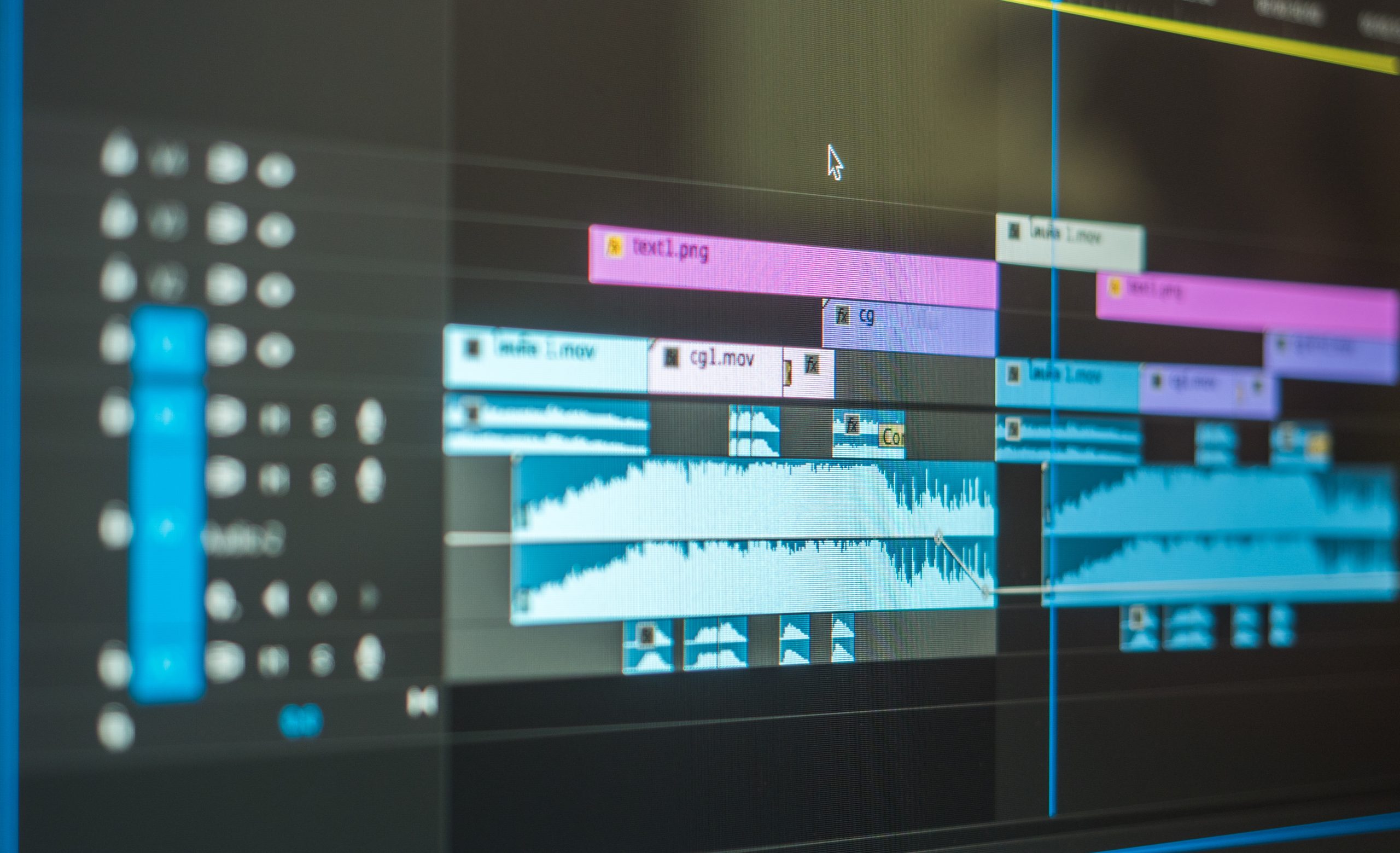
Post-production is where intent becomes impact. It turns good footage into clear, compelling stories that land on time and work across platforms. For marketers staring at a hard drive full of clips in late Q4, it is the difference between missed opportunity and a focused campaign that still ships this year.
This guide demystifies the workflow, shows where AI genuinely saves time, and explains how Tomorrow’s Creative turns event and trade show rushes into hero edits, explainers and verticals that are easy to approve and ready to run.
What post-production actually covers
Post-production is the full process of turning filmed material into finished assets. It typically includes:
- Ingest and organisation: backing up, verifying and labelling media so nothing gets lost.
- Editing: building the narrative, selecting the best takes, tightening pace and structure.
- Sound tidy and mix: dialogue clean-up, music selection, sound design and level balancing.
- Colour correction and grading: technical fixes first, then the creative look.
- Motion graphics: titles, lower-thirds, branded transitions and animated elements.
- Captions, subtitles and multi-language versions: readability and reach, with accurate brand tone.
- Mastering and exports: platform-ready files, thumbnails, caption files and clean masters.
Tomorrow’s Creative can manage the whole process or deliver standalone editing via its dedicated video editing service, with options for colour correction, colour grading and motion graphics where needed.
Edit flow, from first look to final master
A clear path avoids delays and keeps momentum.
- Ingest and first assembly. Footage is backed up, verified and tagged. Editors pull a rough structure, guided by your brief and any supplied references.
- Story edit. Interviews and key moments set the backbone. Cutaways and b-roll lift clarity and pace.
- Graphics and captions. Lower-thirds, chapter markers, product callouts and checked captions are added.
- Sound tidy. Noise reduction, EQ and a cohesive music bed help the message carry.
- Picture finish. Colour correction brings shots into technical balance. Colour grading then adds the intentional look that supports your brand.
- Review and approval. A defined feedback route keeps comments consolidated and decisions clear.
- Final outputs. Masters are exported for each channel, with caption files and vertical crops included where requested.
Colour correction vs colour grading, explained
- Colour correction is the technical pass. It fixes exposure, white balance, contrast, and shot-to-shot consistency so images match.
- Colour grading is the creative pass. It shapes mood and brand feel, guiding emphasis and giving the film its final polish.
Do you correct before you grade? Yes. Correction first, grading second. This sequence ensures the grade sits on stable, consistent pictures.
What tools are used for grading? Typical options include DaVinci Resolve for advanced grading, with Adobe Premiere Pro and Final Cut Pro supporting integrated corrections. Tomorrow’s Creative selects the toolset that fits the project and delivery needs, often Resolve for finishing and Premiere for edit integration.
AI-assisted speed, with human editorial judgment
AI is useful when it removes friction, not when it overrides taste.
- Scene detection and transcript-driven selects help find moments faster.
- Auto-captions and multi-language subtitle drafts accelerate accessibility.
- Pause removal and suggested cut points reduce admin time.
Human editors still lead story, tone and brand accuracy. Tomorrow’s Creative uses AI to accelerate tasks, then applies experienced judgement to keep your message on brief.
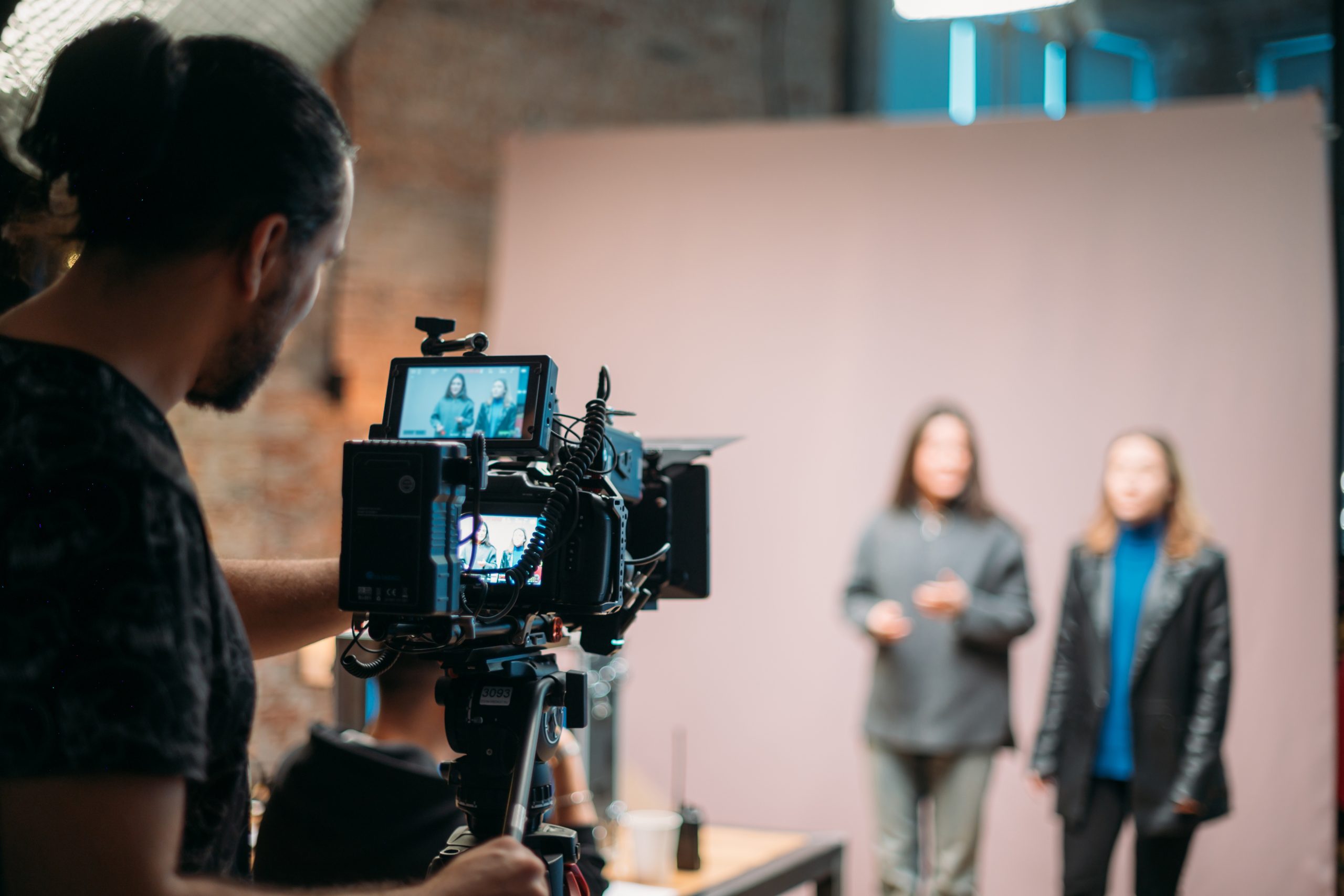
Repurposing event rushes into a Q4 content stack
Trade show and event footage is a goldmine when structured for multiple uses:
- One hero edit for the website and sales follow-up. It explains what happened, why it mattered and the next step.
- Two or three short explainers that answer a specific buyer question, ideally interview-led with on-screen product detail.
- A set of vertical clips for LinkedIn, Instagram and TikTok, each focused on a single useful idea with on-brand captions.
Plan deliverables up front if possible. If the filming is already done, Tomorrow’s Creative can still shape your rushes into a working set of assets, including platform-optimised crops and subtitles. If you are exploring format ideas for next year, see how a focused brand video or a clear explainer video brief anchors story and outcomes across channels.
A practical brief template you can copy
Keep it short, specific and approval-ready.
- Goal and audience: in one sentence, what should your viewer understand or do?
- Core message and proof: the claim you are making, plus evidence in interviews, demos or results.
- Deliverables and specs: hero length, number of cutdowns, verticals, caption files and thumbnails.
- References: two to three links, with notes on pace, tone and graphics.
- Brand must-haves: logo use, colours, type, disclaimer, pronunciation, name styling.
- Deadlines and non-moveables: events, board dates, ad flight windows.
- Budget range: enough to scope realistically.
- Source assets: where to access rushes, logos, fonts, music restrictions.
- Feedback process: who consolidates notes, who signs off, and how many rounds.
Share this in one document and include access links. Tomorrow’s Creative can also review an existing film through its free Content Opportunity Review if you want quick, practical suggestions before commissioning new edits.
An approval route that avoids delays
- Nominate one feedback owner who gathers internal comments.
- Use timestamped notes and decide must-change vs nice-to-have.
- Lock story first, then polish graphics, captions and grade.
- Approve the hero, then cascade changes to cutdowns.
- Keep a clean master alongside captioned versions for future updates.
Cost: what to expect for editing
Editing costs vary with scope, complexity and deliverables. As planning ranges:
- Straightforward professionally edited videos often fall around £1,500 to £3,000.
- A more developed corporate film commonly ranges from £2,500 to £7,500.
- Larger campaigns with multiple locations, bigger crews or extensive post can exceed £10,000.
For recurring needs, Tomorrow’s Creative offers TC Editing Partner, a monthly allocation that keeps capacity reserved and predictable. For one-off post jobs, the team scopes work transparently against the requested outputs.
If you are comparing options across video production agencies, review what is included: number of edits, captions, graphics, platform versions and approval rounds. Clarity up front prevents overruns later.
Where motion graphics, captions and multi-language lift performance
- Motion graphics make complex points simple, reinforce names and highlight proof.
- Captions increase watch-through on silent autoplay and improve clarity on mobile.
- Multi-language subtitles extend reach for global audiences and events.
All three work best when they follow brand guidelines and are checked by a human editor before delivery.
FAQ
What exactly is post-production?
It is the process from ingest to delivery, covering edit, sound, colour, graphics, captions and masters.
What is meant by colour grading?
The creative pass that shapes mood and brand feel after technical corrections.
Do you colour correct before colour grading?
Yes. Correct for balance and consistency first, then apply the creative look.
What tools are used for colour grading?
DaVinci Resolve for advanced grading, with Adobe Premiere Pro and Final Cut Pro supporting corrections and roundtrips.
How much does it cost for someone to edit my video?
It depends on scope. As planning guides, simple work can be around £1,500 to £3,000, developed corporate pieces £2,500 to £7,500, with complex campaigns higher.
How Tomorrow’s Creative fits in
Tomorrow’s Creative can join at edit-only or deliver end-to-end. If you need a fast Q4 turn with clear deliverables, the team can shape rushes into a coherent content stack, add motion graphics and captions, and deliver platform-ready masters. Explore the full video production services overview, see how social media video production is planned for vertical outputs, or dive into motion graphics options when titles and animated structure will lift clarity.
Summary and next step
Post-production turns rushes into results. With a simple brief, a defined approval route and AI-assisted speed under human oversight, you can land a hero edit, a set of explainers and verticals that serve your late Q4 push. Share your brief and rushes, and Tomorrow’s Creative will scope a practical path to ready-to-run assets.